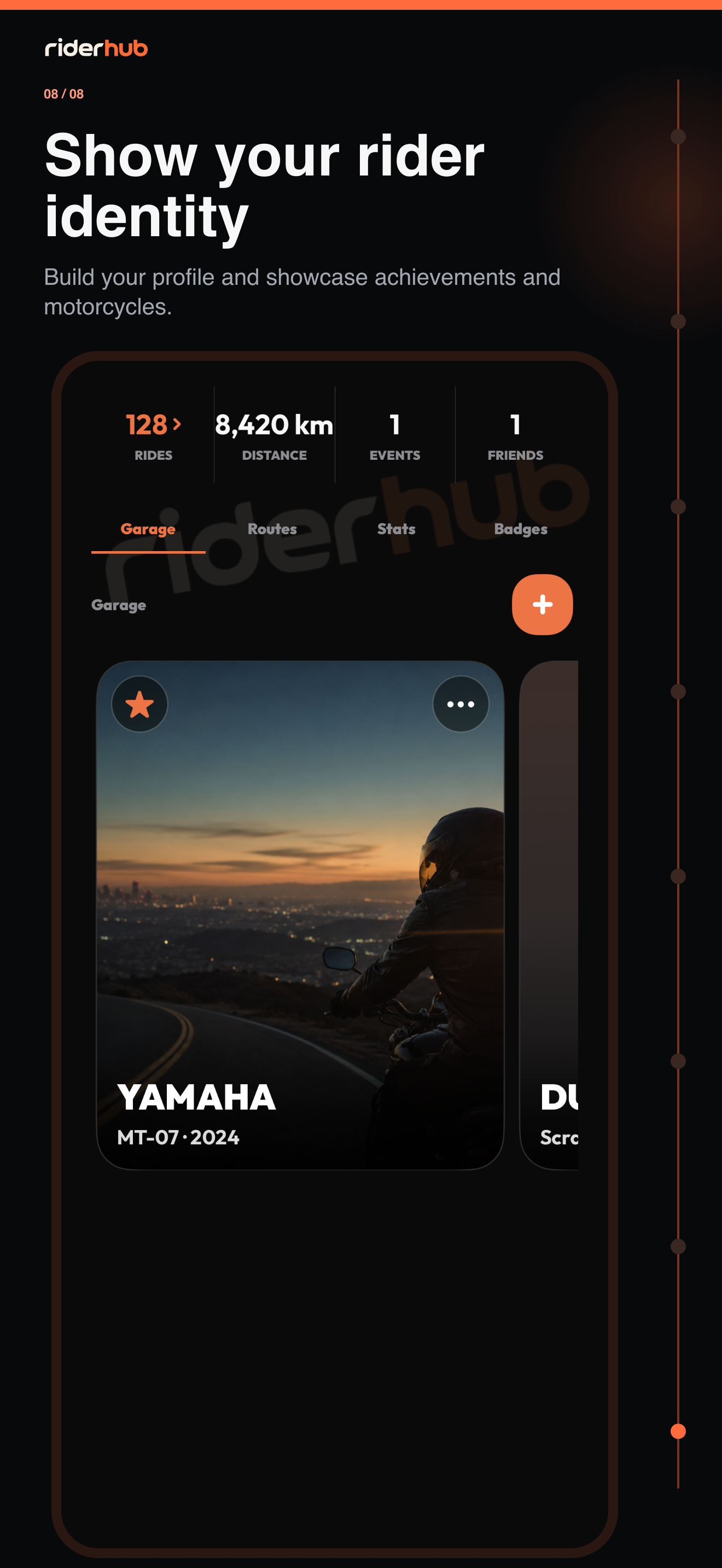
Bring your rider identity into one profile
Profile combines your photo, cover, name, canonical location, primary motorcycle, ride statistics, garage, routes and badges. Use Edit Profile to update images and the standardized location search.
Build your garage with accurate details
- Add a motorcycle from Garage and complete brand, model and year.
- Set one motorcycle as primary to change the bike represented in your profile and rider discovery.
- Edit an existing record or confirm before deleting it.
- If a model is missing, submit a model request; a pending request does not complete the bike record automatically.
- Review the preview when uploading; private metadata is removed from profile images.
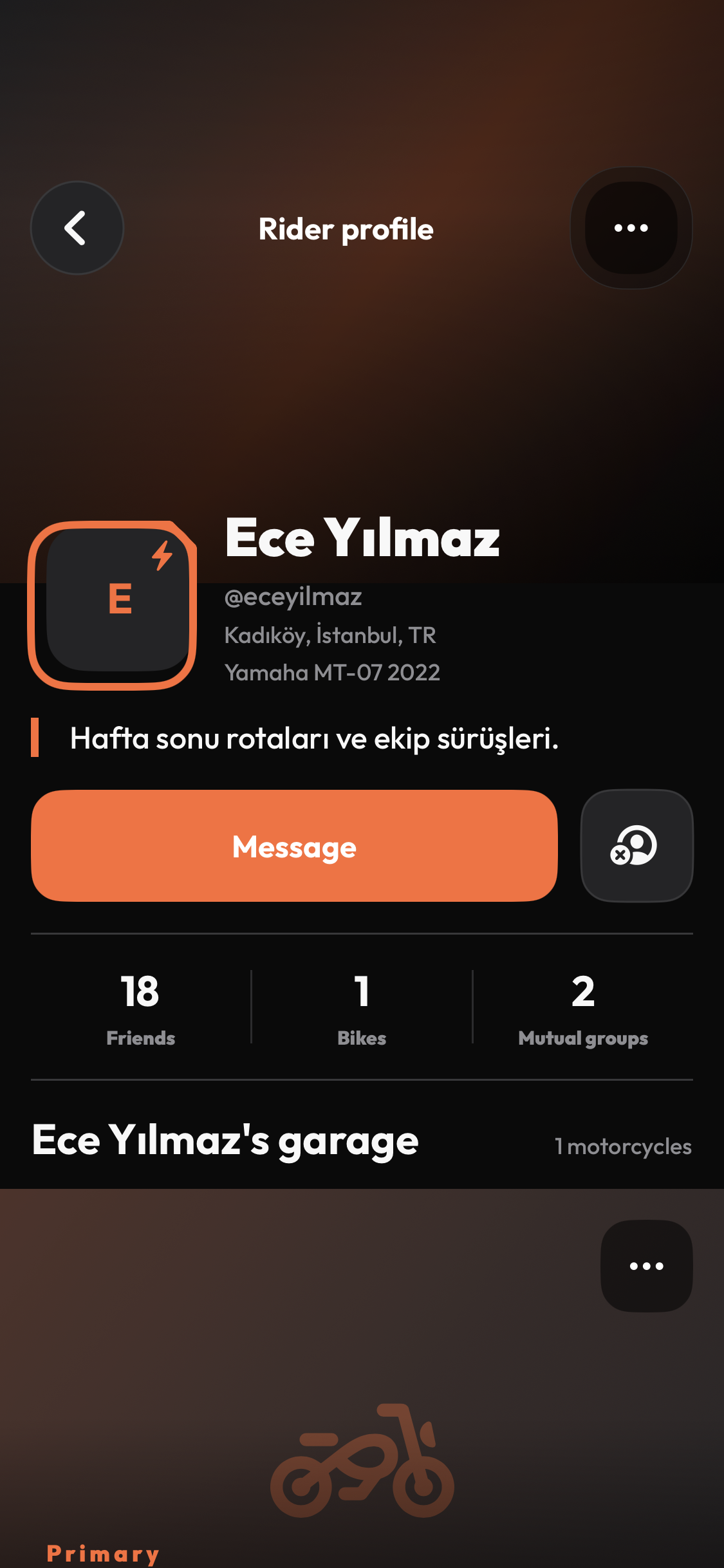
Badges and the public view
- Forty-eight badges appear with progress across eight achievement families.
- Feature up to three badges, selected only from achievements you have earned.
- Membership plans and achievement badges are separate concepts; neither substitutes for the other.
- The public profile is Garage-led and shows only data permitted by public, friends-only or private visibility.
- Direct messaging from a public profile is available only between mutual friends.