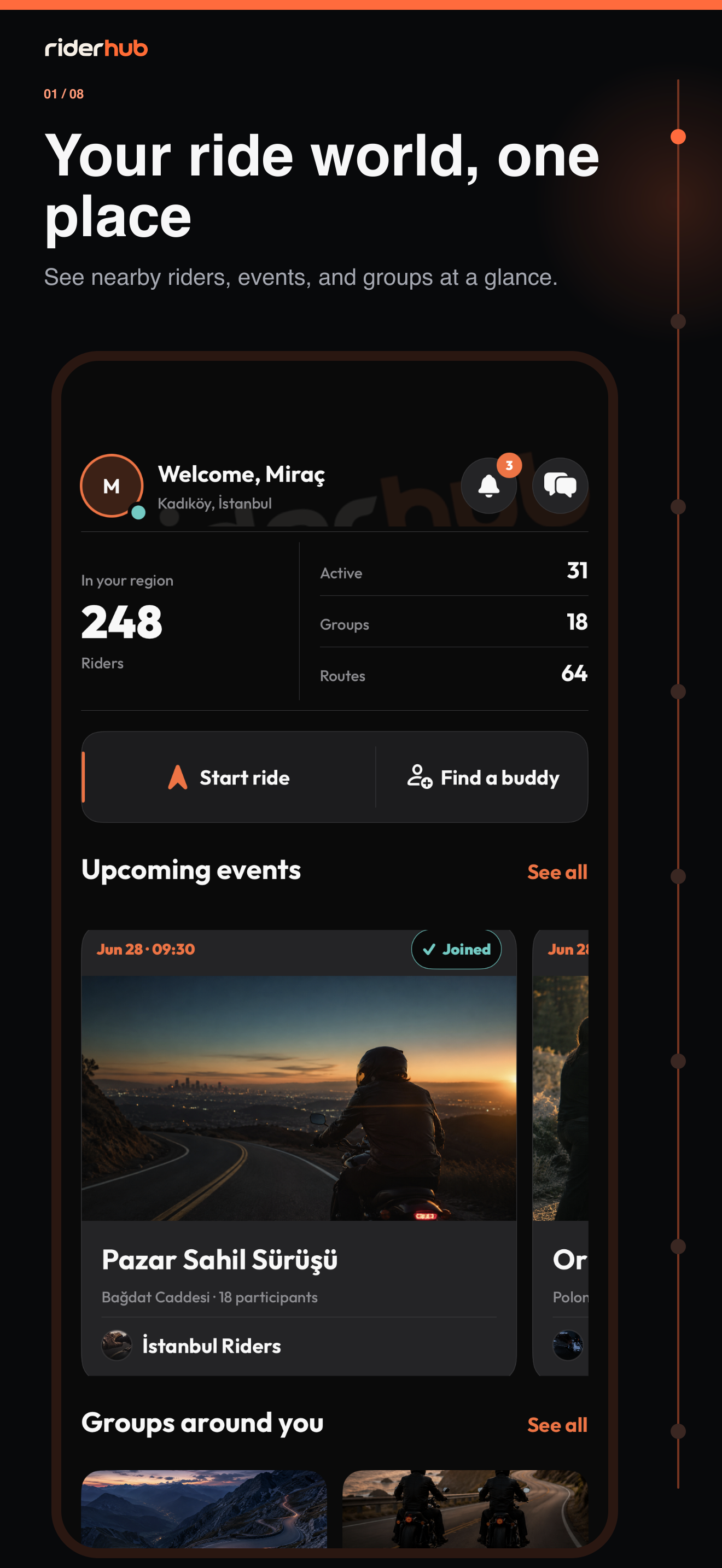
Discover compatible riders nearby
Find Riding Buddy on Home shows a paginated list of nearby riders after location permission. Refresh results and compare name, location, primary motorcycle, online state and same-brand signals.
Build the connection safely
- Open a rider row to review the public profile fields the server permits.
- Send a friend request and manage incoming, outgoing, friends and blocked states.
- Start a direct message only after you become mutual friends.
- Report an inappropriate account with a reason; RiderHub automatically hides and blocks it.
- Confirm Block as a separate action; the result list refreshes against the new privacy state.
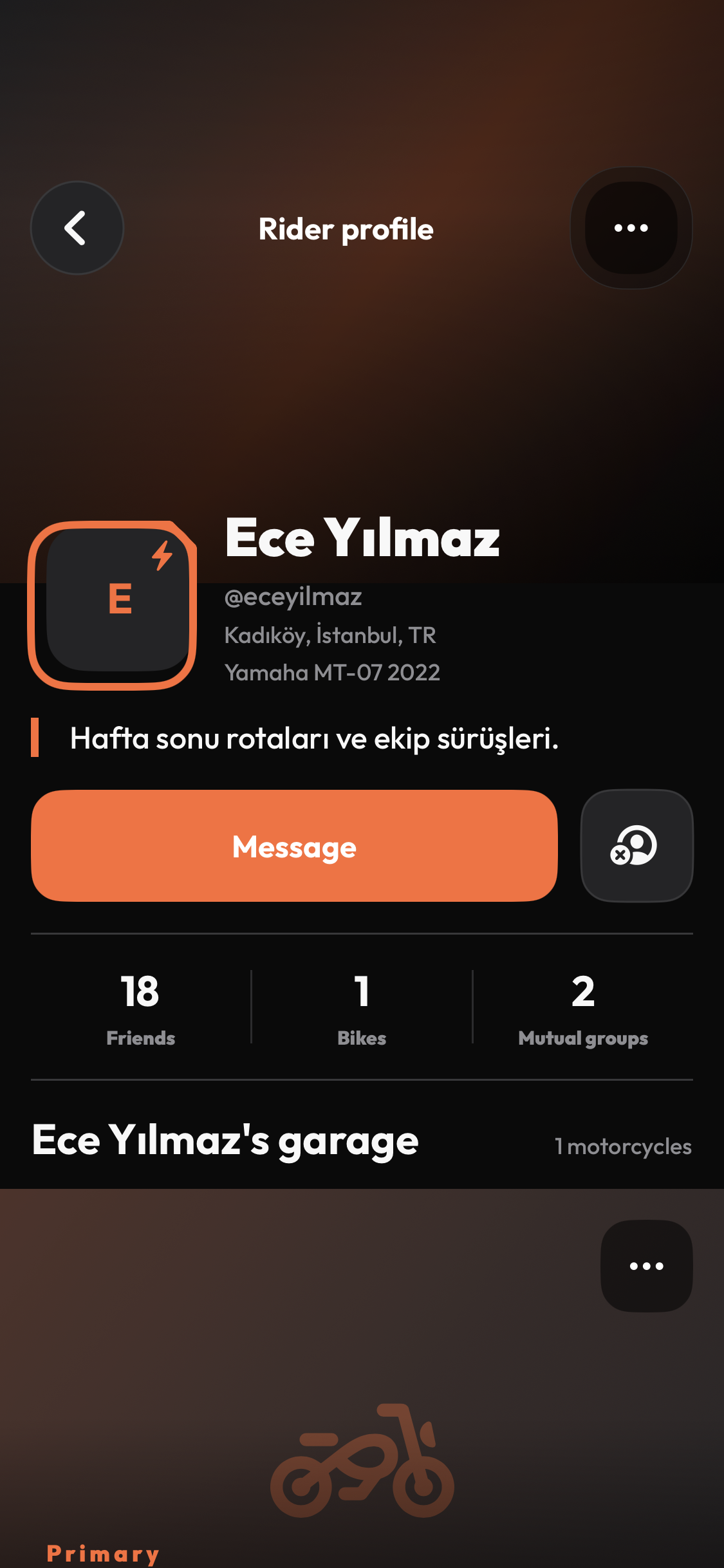
Privacy comes before every result
- Profiles can be public, friends-only or private.
- A restricted profile never invents zero values or exposes the reason for hidden data.
- Blocked, private or unavailable accounts may share the same safe unavailable state.
- The list shows only fields the app is allowed to reveal, never precise private location data.