Start with the correct permissions
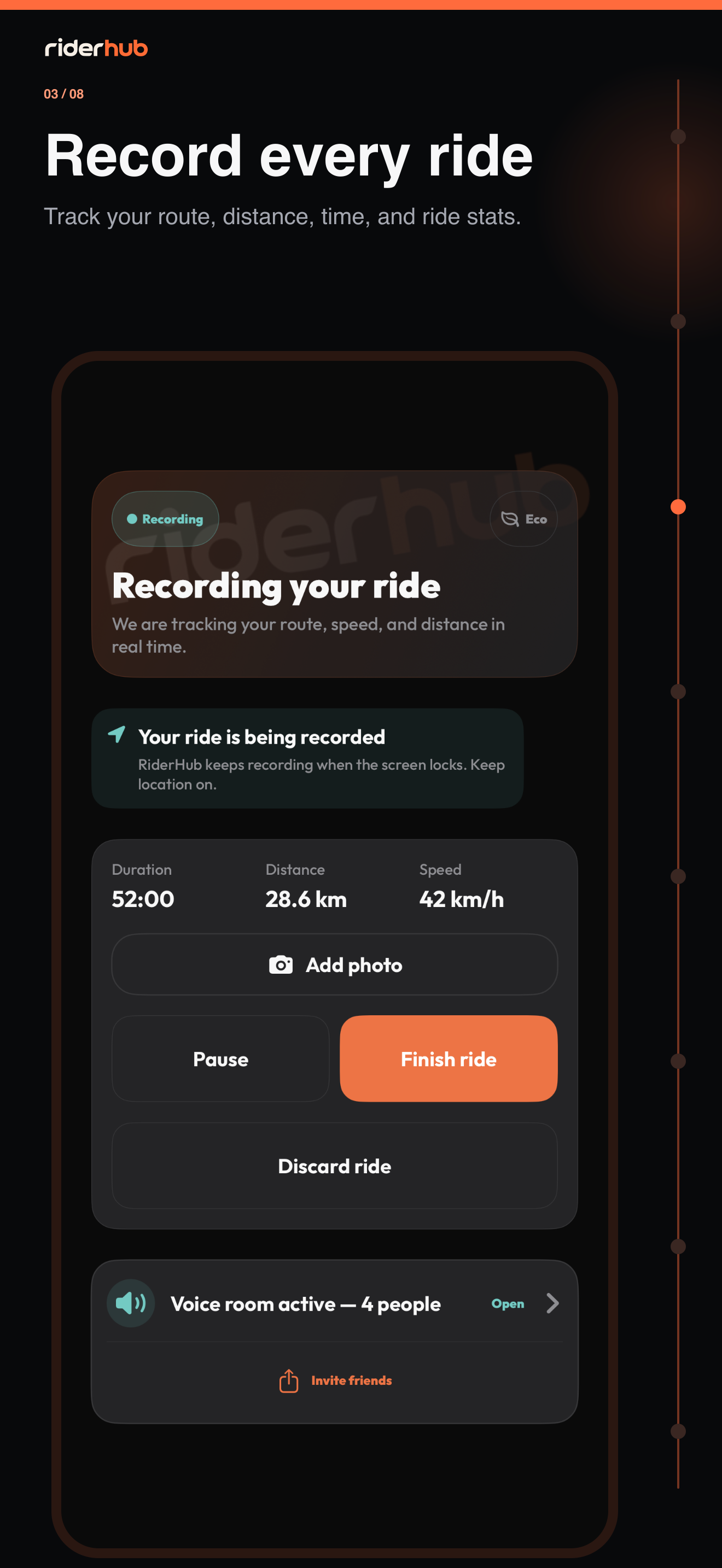
Start ride on Home opens Free Ride directly; there is no mode picker. The start screen shows current location, a countdown and the recording action.
The Free Ride flow
- Enable Record ride stats in your preferences.
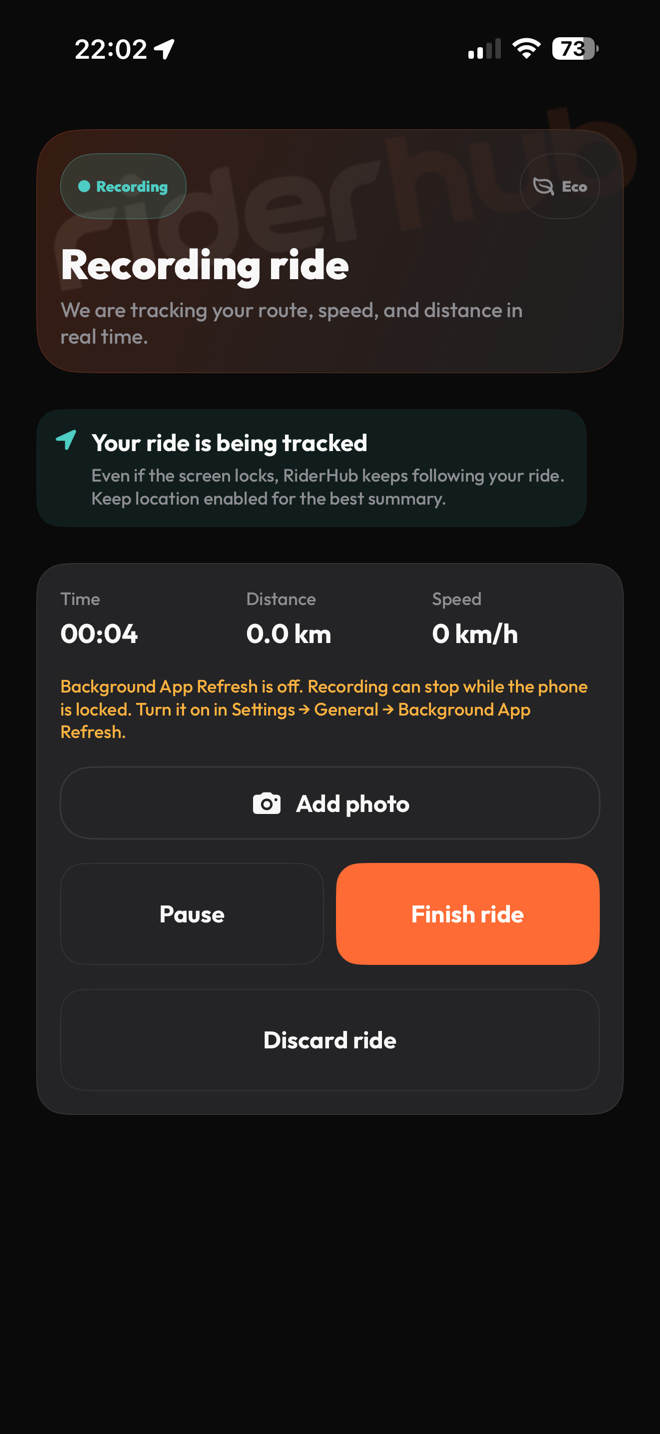
- Complete Always Location on iOS or background location on Android; Android 11+ may send you to app settings.
- Start after the countdown; accepted points are stored and uploaded in idempotent 3–5 second batches.
- Pause or resume the ride; five minutes without movement can trigger automatic pause.
- Add a photo moment from camera or gallery and review the option that attaches location to it.
- Choose Finish for the stats summary or Discard to remove the ride.
During and after recording
- Android’s foreground notification and iOS Live Activity return to the same active recording.
- The summary shows distance, moving and elapsed time, average and maximum speed, and elevation when available.
- Pro Rider and Ride Crew may start an optional friends-only voice room; Solo Rider sees no locked control.
- A voice-room or connection failure never stops ride recording.