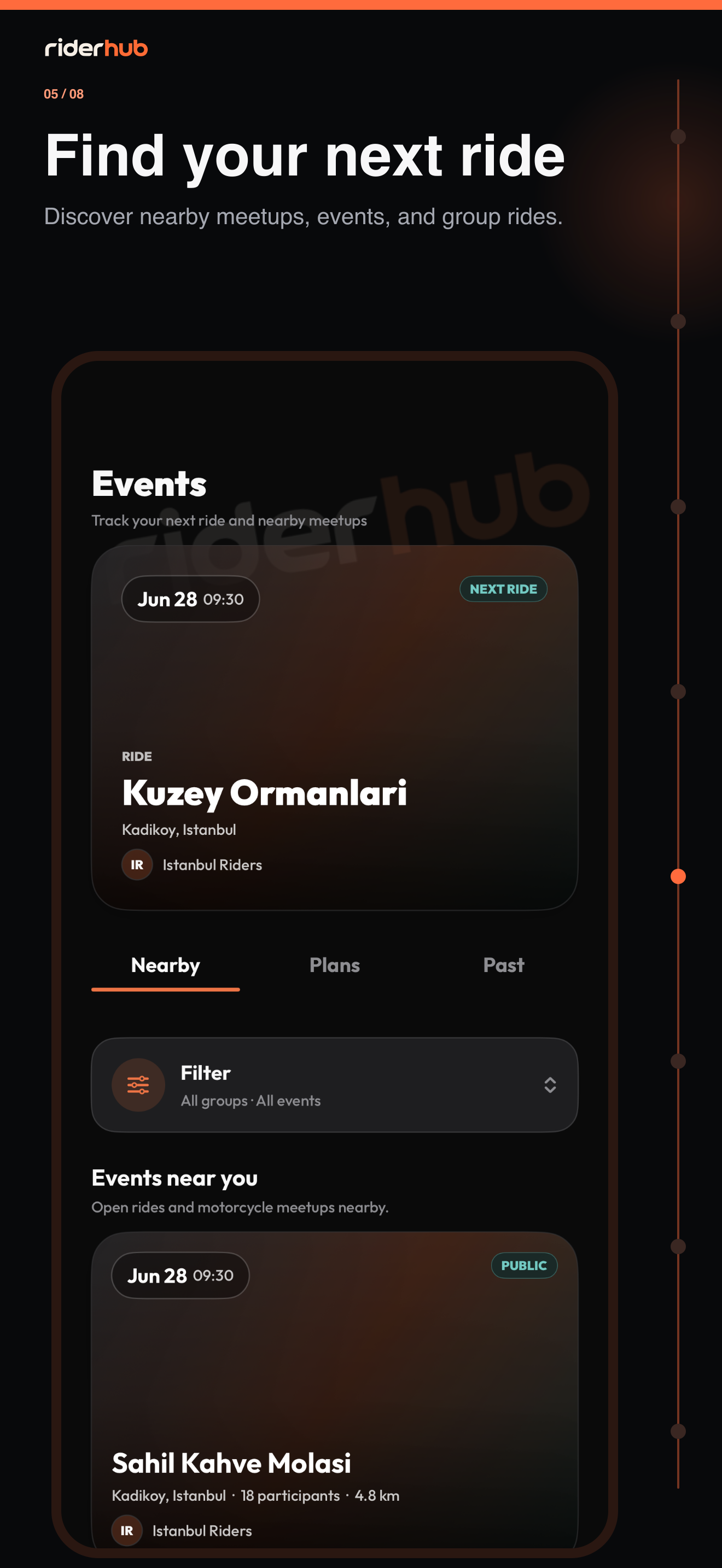
Manage ride plans in one agenda
Events separates nearby rides, plans you joined and past records into clear scopes. If you have a next joined event it appears as the Next plan card; otherwise the screen starts directly with scope selection.
Find and join an event
- Choose Nearby, Your plans or History.
- Apply city, date, event mode, access, group and proximity filters, or reset them.
- Open a card to inspect date, location, group, distance, capacity and participants.
- Use Join or Leave; the result refreshes both detail and lists.
- Open participant profiles from their identity, or report and hide an event when needed.
- On event day, choose Start ride to create your private event-linked recording.
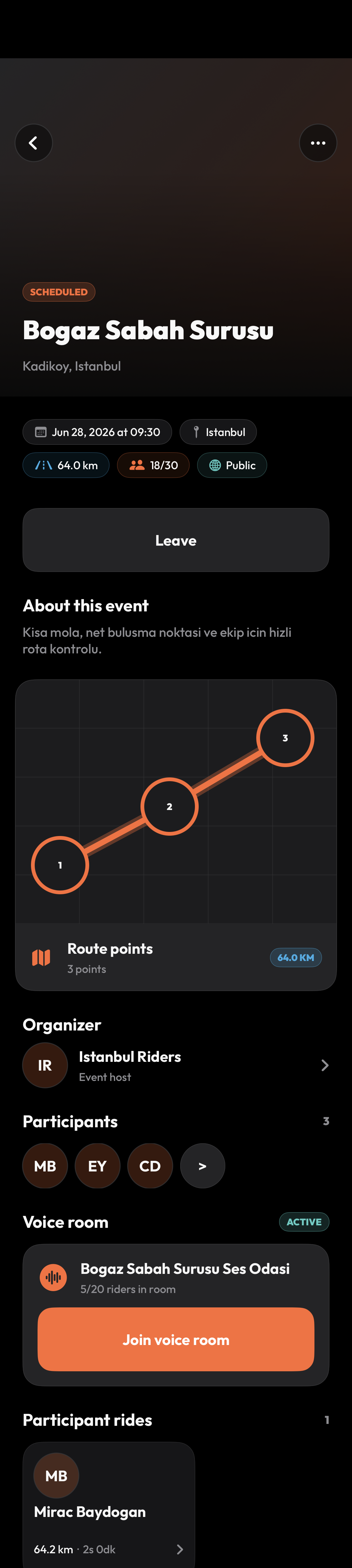
Organizer and route details
- Group owners and admins create events from Group Detail; meetups and training use one location, while rides and tours require at least two route points.
- Managers can start, complete, cancel, edit or delete an event.
- An event ride starts private; live location sharing with participants is a separate choice for every ride.
- If location permission or ride-stat recording is not ready, RiderHub first routes you to the required setting.