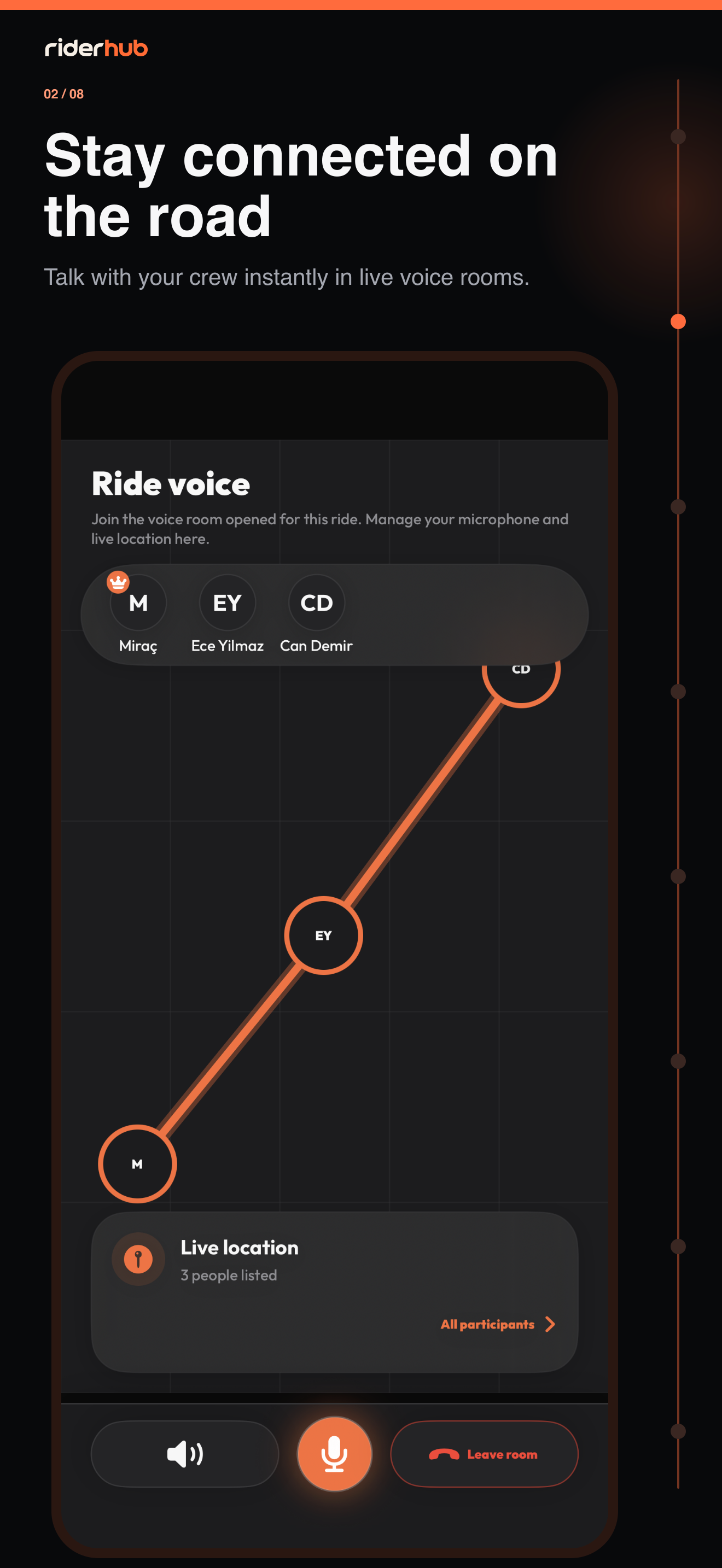
RiderHub resolves the room context
You may enter voice from Discover, a group, event, ride or shared link. RiderHub first resolves whether the room is standalone, group, event or ride and reads server capabilities instead of guessing from the entry point.
Join and manage audio
- Choose Listen to join listener-only without microphone permission.
- When you can speak, grant microphone permission during Join; if denied, remain a listener.
- Choose a Bluetooth intercom, speaker or phone in Audio device; Android 12+ falls back safely if Bluetooth permission is denied.
- Mute, unmute or use push-to-talk when your permission allows it.
- Change the default-on Noise suppression switch without leaving or reconnecting the room.
- As host, update speaking permission, remove a participant or close the room.
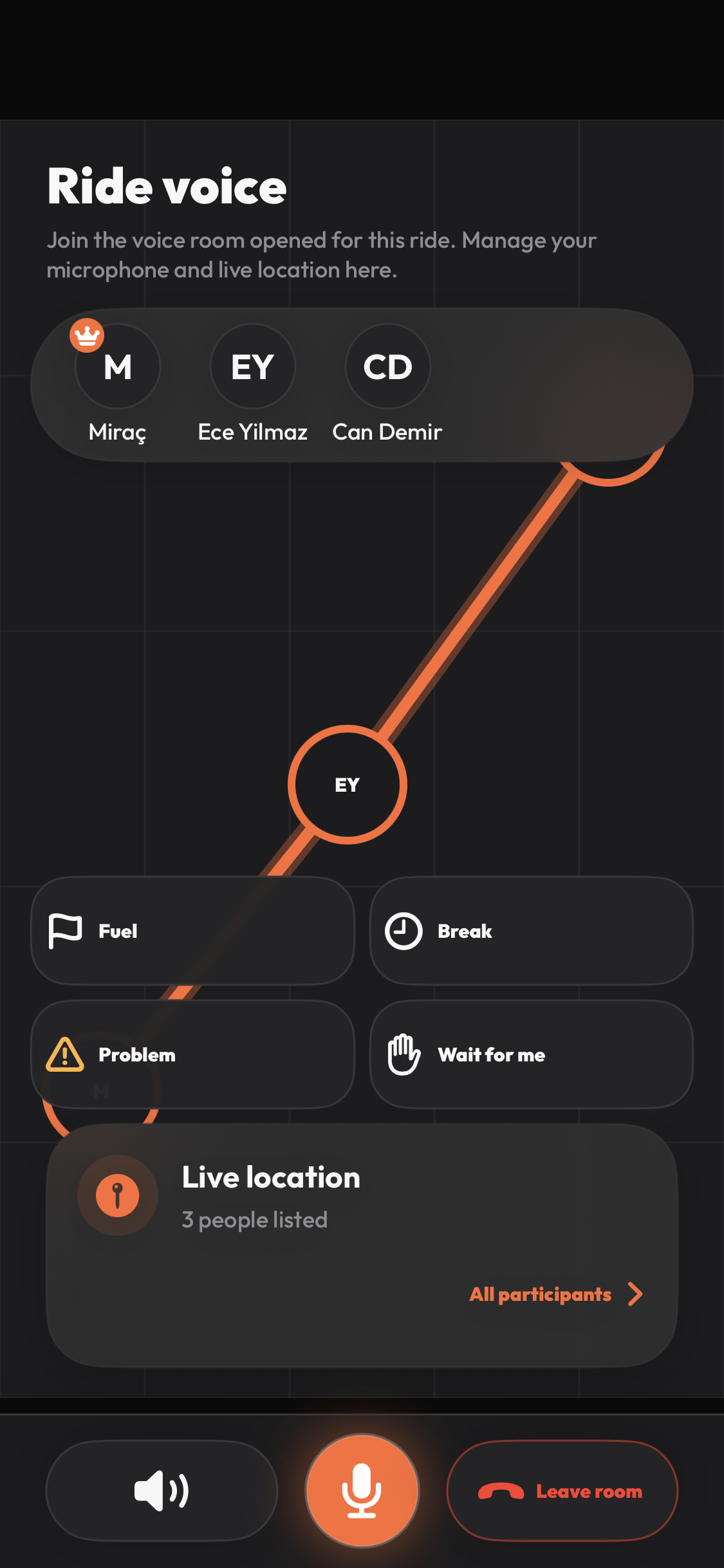
Room types and connection
- Standalone is audio-only with no chat or location.
- Group is audio-only and may include paginated group chat.
- Event and Ride share map location only after per-room opt-in.
- If LiveKit’s quick reconnect fails, RiderHub obtains a fresh token and retries with increasing delays up to 30 seconds while preserving mute and PTT intent.