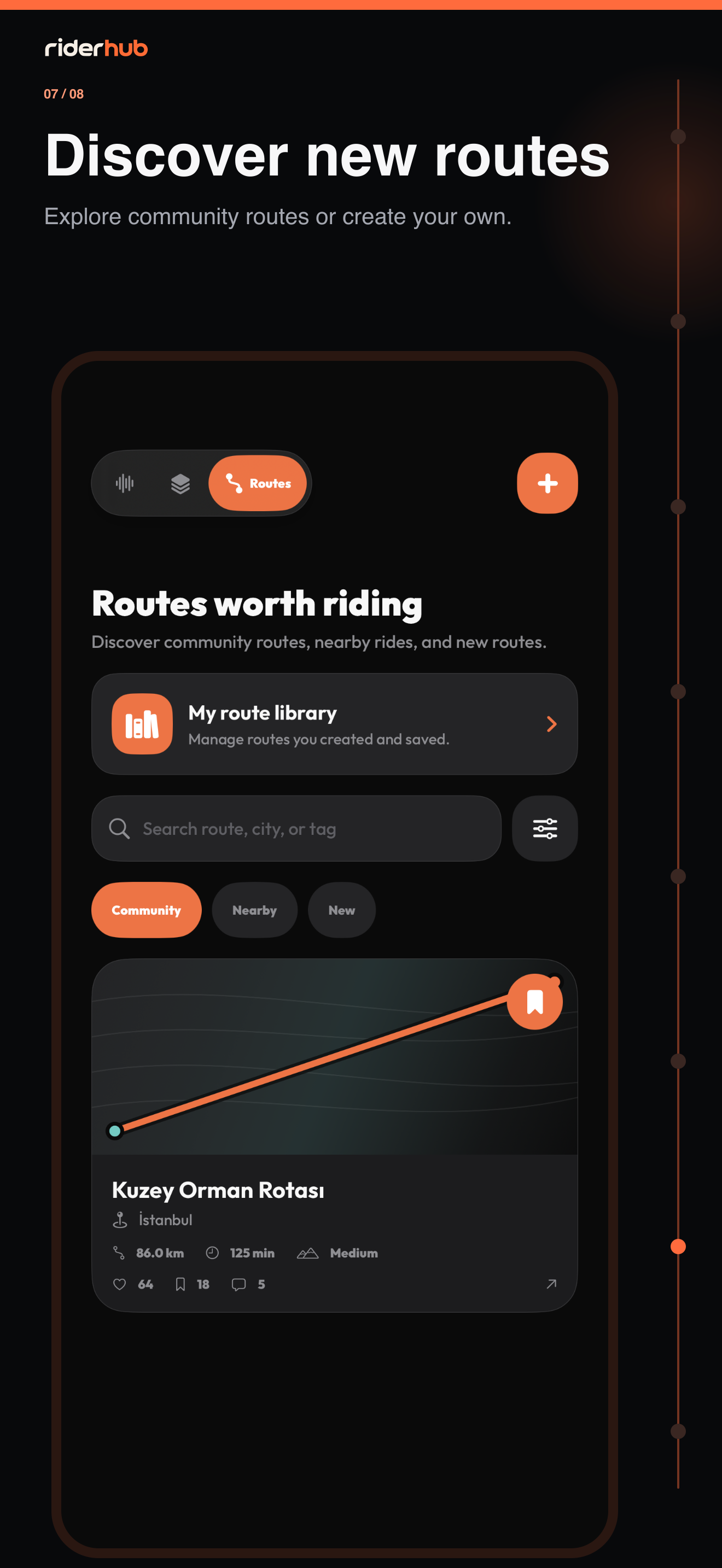
Know the three Discover surfaces
Discover brings social posts, live voice rooms and community routes together without forcing them into one format. Posts lead the default For You feed, while active rooms and route spotlights support it.
What you can do in Discover
- Browse public posts in the natural For You scroll; one room rail appears only when active rooms exist.
- Open Post, Voice room or Route creation from the global + menu.
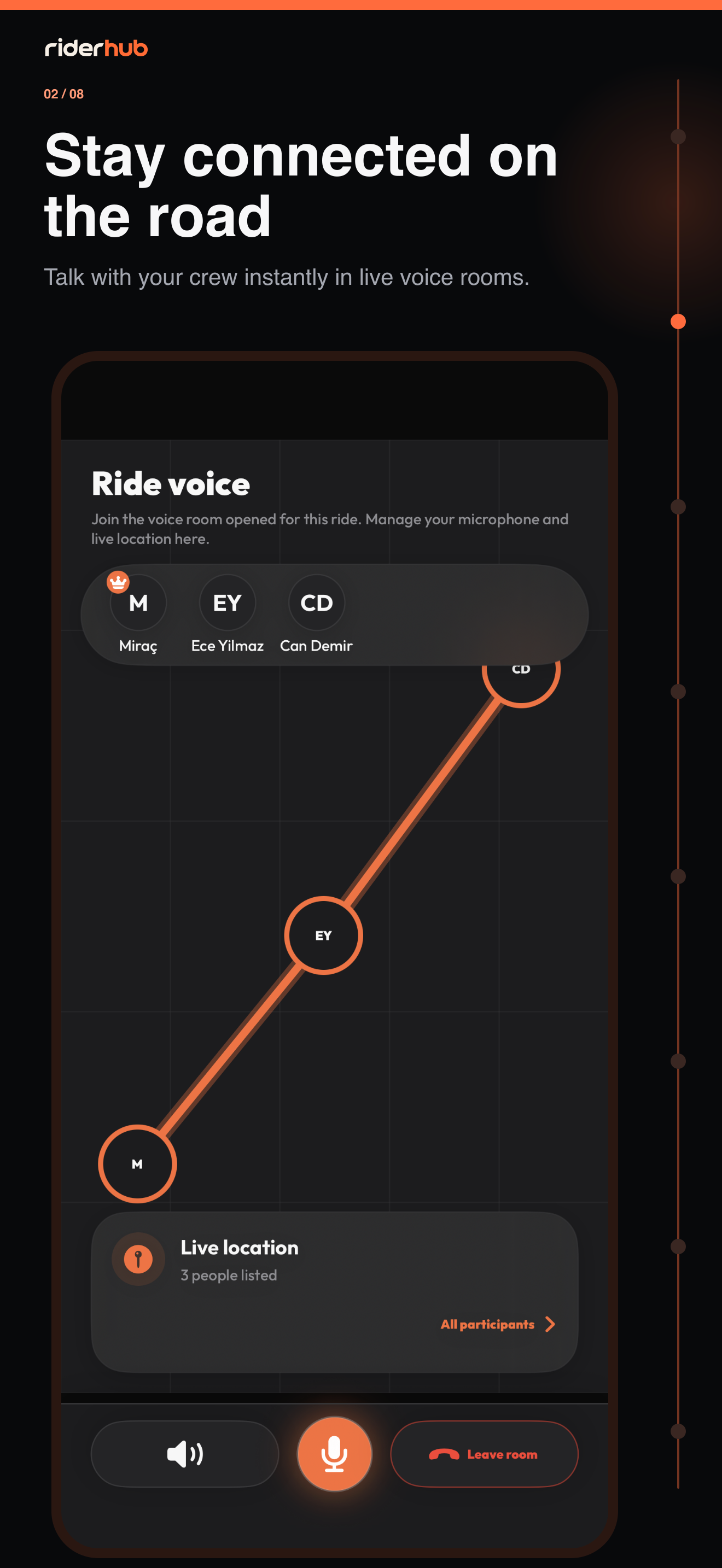
- Choose Listen on a Live card to join muted without microphone permission, or Join when you want to speak.
- Use Community choice, Nearby and New route sorting plus distance, difficulty, road and ride-type filters.
- Open My Route Library for routes you created or saved.
- Edit or delete your own post, and use Report on someone else’s content.
Media, refresh and safety
- Portrait photos use 9:16 and landscape photos use 16:9; changing ratio reopens crop from the original.
- Pull to refresh reloads the first page while keeping visible content in place if it fails.
- Nearby does not request location when Discover opens; permission starts only after you choose current location.
- A successfully reported post is removed from your feed.