सभी notifications एक inbox में देखें
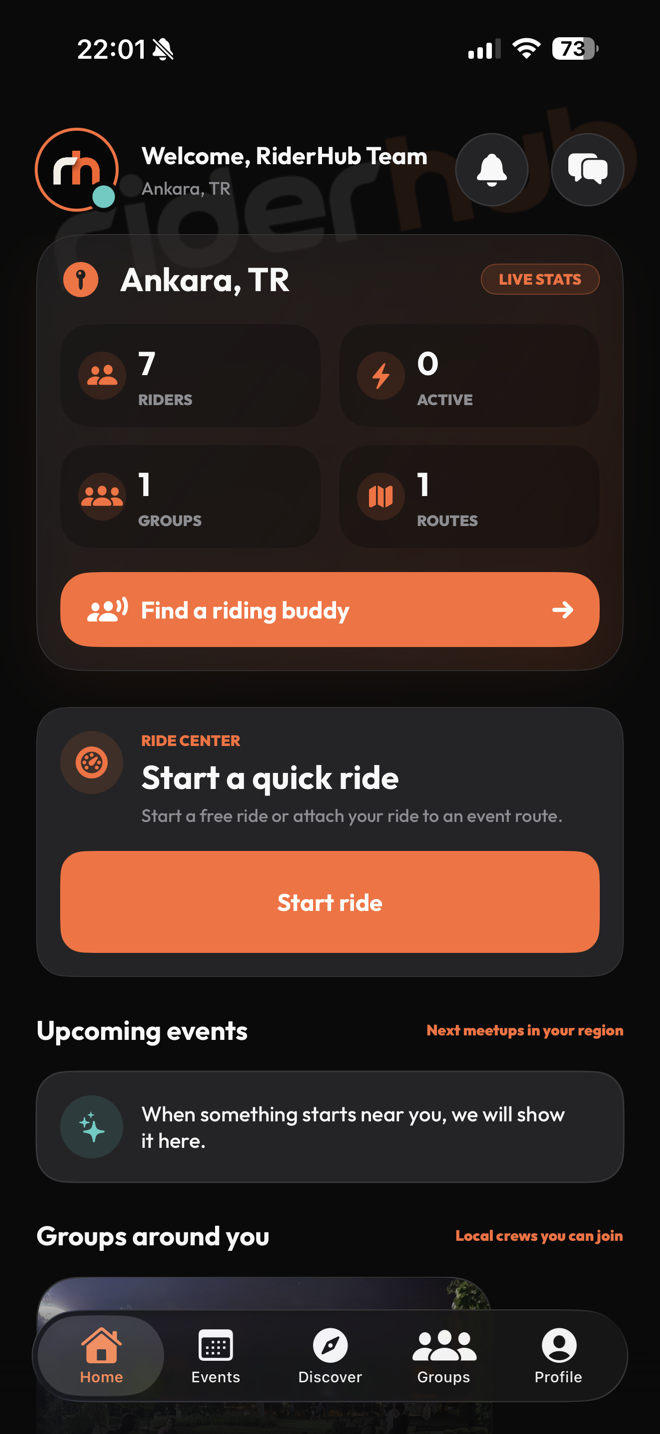
Home का bell in-app notification inbox खोलता है। 99 से अधिक unread होने पर count 99+ दिखता है; item tap करने पर वह optimistically read होता है और संबंधित destination खुलता है।
Notification inbox manage करें
- नए items के लिए refresh करें और devices के बीच read state sync करें।
- एक notification खोलें या Mark all as read से count साफ करें।
- Message, friendship, group, event, post, route, voice room, profile, settings या ride destination खोलें।
- App बंद हो तो incoming link startup तैयार होने तक सुरक्षित रूप से wait करता है।
- Chat foreground में real-time connected हो तो उसी message की duplicate system notification नहीं आती।
Deep links और सुरक्षा
- In-app inbox और system notifications एक ही central link resolver उपयोग करते हैं।
- Server current permissions से destination फिर validate करता है; पुरानी notification private content नहीं खोलती।
- Account-banned notification सुरक्षित account-state screen खोलती है।
- Banned sender के message का preview notification पर hidden रहता है।
- Deployment environment में provider enabled होने पर system push inbox के साथ काम करता है।